Controllers para proyectos internacionales de robótica
Controllers: robots, plataformas, accesorios y soluciones para investigación, educación, automatización, inspección y proyectos internacionales.
Controllers
Controllers: robots, plataformas, accesorios y soluciones para investigación, educación, automatización, inspección y proyectos internacionales.
Introducción / visión general
Controllers forma parte del mercado internacional de robótica profesional, donde empresas, universidades, integradores, organismos públicos y centros de investigación evalúan sistemas capaces de automatizar tareas, recopilar datos, mejorar la seguridad o crear nuevas capacidades operativas. La decisión de compra no debe basarse solo en la apariencia del robot, sino en su utilidad real, el entorno de trabajo y la facilidad de integrarlo en procesos existentes.
Para la tienda española de Robots International, el enfoque es la compra internacional de robots con información clara para clientes de habla hispana. Esto incluye comparar especificaciones, entender límites técnicos, revisar accesorios, valorar soporte, calcular costes totales y preparar proyectos que puedan funcionar más allá de una demostración inicial.
Para compradores de habla hispana, la prioridad es comparar sistemas internacionales con criterios técnicos claros, sin depender solo de datos comerciales o demostraciones aisladas.
Diseño y características
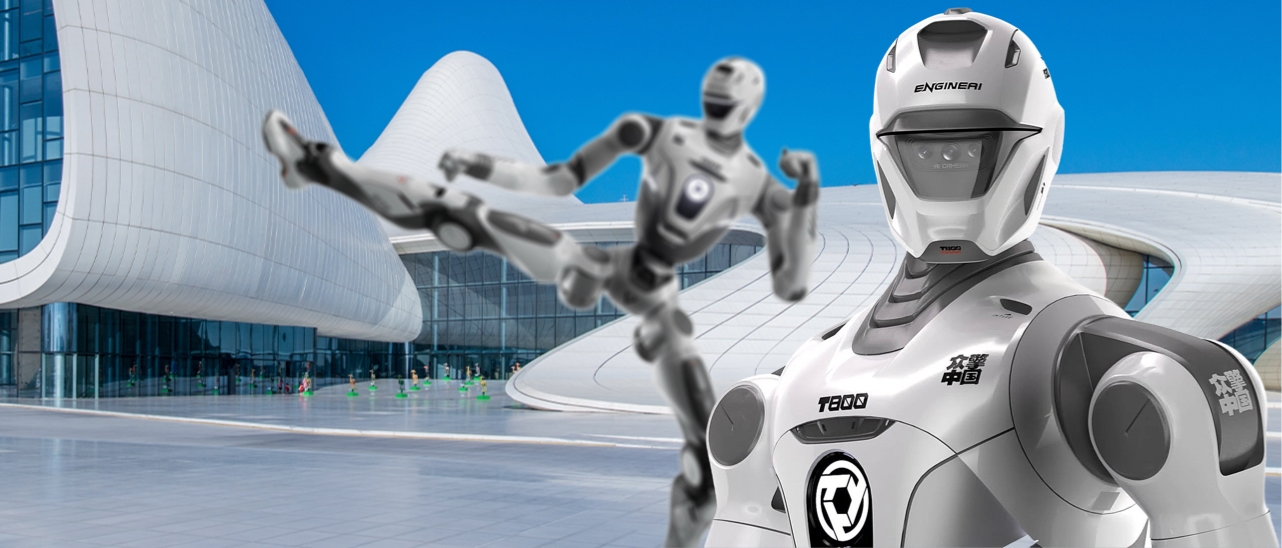
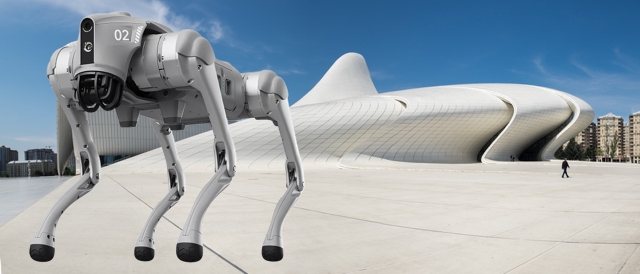
Los robots profesionales se diferencian por su forma mecánica, movilidad, carga útil, sensores, autonomía, interfaz de usuario y ecosistema de software. Un robot humanoide puede priorizar interacción y demostración; un cuadrúpedo puede desplazarse por superficies irregulares; un AMR puede mover materiales en interiores; un brazo colaborativo puede automatizar tareas repetitivas; y un dron puede inspeccionar áreas desde el aire.
Las características importantes incluyen dimensiones, peso, velocidad, precisión, autonomía de batería, método de carga, protección ambiental, conectividad, cámara, LiDAR, sensores de profundidad, IMU, micrófonos, altavoces, pinzas, herramientas finales y opciones de montaje. La combinación correcta depende de la tarea, no de una especificación aislada.
Tecnología y especificaciones
La robótica moderna combina hardware, software, sensores y control. En sistemas móviles, la navegación puede usar mapas, SLAM, planificación de rutas, detección de obstáculos y control remoto supervisado. En brazos robóticos son relevantes la repetibilidad, el par, el alcance, los ejes, la programación y la compatibilidad con herramientas. En plataformas de investigación, las API, SDK, ROS, documentación y acceso a datos son especialmente importantes.
En páginas de marca o modelo, conviene revisar la documentación del fabricante, versiones disponibles, accesorios compatibles, garantías, SDK, repuestos y diferencias entre generaciones.
Una buena evaluación técnica distingue entre capacidades máximas y funcionamiento real. La autonomía indicada puede variar según carga, velocidad, temperatura, terreno y uso de sensores. La conectividad puede depender de Wi-Fi, 4G/5G, red local o estaciones de control. La seguridad puede requerir límites de velocidad, zonas de exclusión, botones de parada, supervisión humana o procedimientos operativos.
Aplicaciones y casos de uso
Los robots se utilizan en fabricación, logística, seguridad, inspección, educación, investigación, salud, agricultura, comercio, eventos, limpieza, construcción y servicios públicos. En fabricación pueden reducir tareas repetitivas y mejorar consistencia. En logística pueden transportar materiales o realizar inventarios. En inspección pueden recopilar imágenes, mapas térmicos, lecturas de gas o datos estructurales en zonas difíciles.
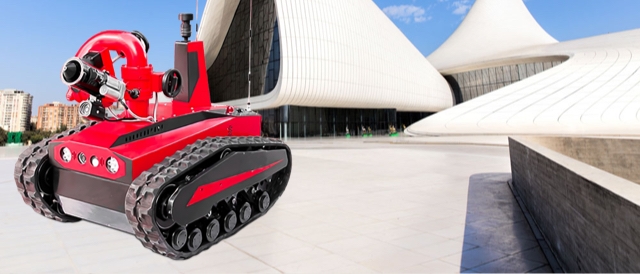
En educación e investigación, los robots permiten enseñar programación, percepción, inteligencia artificial, control, interacción humano-robot y sistemas autónomos. En eventos y demostraciones, pueden atraer atención y explicar tecnologías emergentes. En seguridad y respuesta a emergencias, pueden mantener a las personas alejadas de entornos peligrosos mientras transmiten información útil.
Ventajas y beneficios
Los beneficios potenciales incluyen mayor seguridad, datos más consistentes, reducción de tareas repetitivas, disponibilidad fuera de horarios habituales, precisión, trazabilidad y capacidad de operar en lugares incómodos o peligrosos. Sin embargo, el valor real depende de una implementación realista. Un robot debe tener una tarea clara, un operador formado, mantenimiento previsto y métricas para evaluar resultados.
También puede aportar valor estratégico. Las organizaciones que prueban robótica de forma estructurada aprenden sobre automatización, datos, integración de software y gestión del cambio. Incluso un piloto limitado puede revelar qué procesos son adecuados para automatización y cuáles requieren rediseño antes de invertir en una flota o solución mayor.
Comparaciones
Comparar alternativas es esencial. Los robots con ruedas suelen ser eficientes en suelos lisos; los cuadrúpedos son mejores en superficies irregulares o escaleras; los drones son útiles para inspección aérea; los brazos robóticos destacan en manipulación; y los humanoides ofrecen valor en interacción, investigación y demostración. Ninguna arquitectura es universal.
También conviene comparar compra, alquiler y piloto. La compra es adecuada para uso frecuente y proyectos de largo plazo. El alquiler puede ser útil para eventos, pruebas o validación inicial. Un piloto técnico reduce riesgo cuando hay incertidumbre sobre entorno, autonomía, conectividad o aceptación de usuarios.
Precio y disponibilidad
El precio de un proyecto robótico incluye más que el dispositivo. Deben considerarse accesorios, transporte, documentación, formación, integración, software, repuestos, baterías, cargadores, garantías y soporte. Los modelos de entrada pueden servir para educación o demostraciones, mientras que aplicaciones productivas suelen requerir hardware más robusto y servicios adicionales.
La disponibilidad depende del fabricante, configuración, accesorios, destino, documentación y calendario del proyecto. Para solicitar una cotización precisa, es recomendable describir aplicación, entorno, cantidad, plazo, país de entrega, requisitos técnicos y cualquier integración necesaria.
Preguntas frecuentes
¿Cómo elegir el robot adecuado?
Primero defina la tarea, el entorno, el presupuesto, la autonomía requerida, la carga útil, los sensores, la seguridad y el soporte. Después compare modelos que cumplan esos requisitos.
¿Un robot está listo para usar al recibirlo?
Algunos sistemas llegan preconfigurados, pero muchos proyectos requieren instalación, formación, pruebas, ajuste del entorno e integración con procesos internos.
¿Qué importancia tiene el software?
El software determina navegación, programación, acceso a datos, actualizaciones, integración y operación diaria. Es tan importante como la mecánica.
¿Qué costes adicionales se deben prever?
Accesorios, baterías, cargadores, transporte, formación, repuestos, licencias, mantenimiento, integración y tiempo interno de proyecto.
Resumen
Controllers puede aportar valor cuando la selección se basa en requisitos reales, comparación técnica y planificación operativa. La mejor decisión combina capacidades del robot, entorno de uso, seguridad, documentación, soporte, presupuesto y objetivos medibles del proyecto.